Test Building your Mod
Before uploading your mod to the Cloud Cooker, it is highly recommended to first test to see if it has any errors. To do this, you will need to build your mod in the Dev Kit. Ensure that all required information is filled into the BP_ModData blueprint before attempting to build your mod.
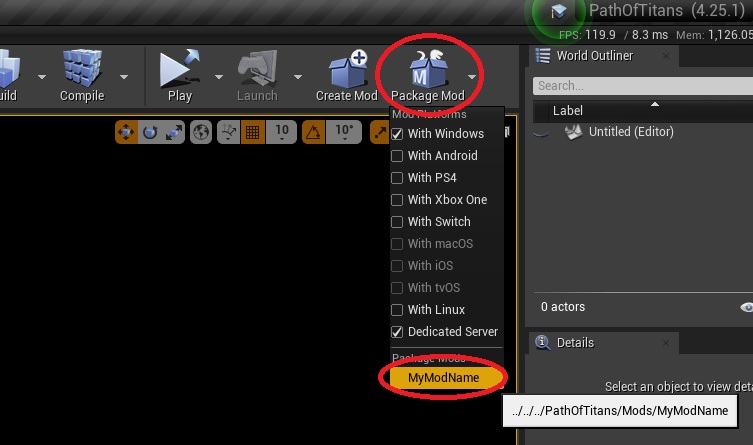
- To build your mod, click the “Package Mod” dropdown button and select your mod from the list.
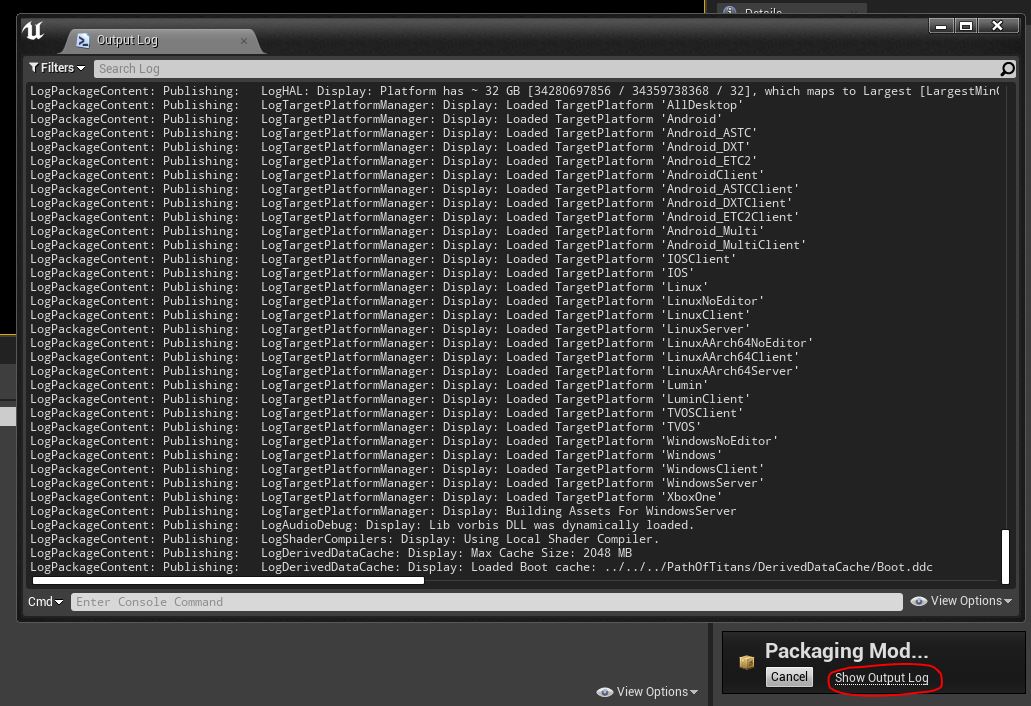
- You will hear a small beep upon starting the build. Once the build begins, you can click the “Show Output Log” pop up to see the output log of the current build.
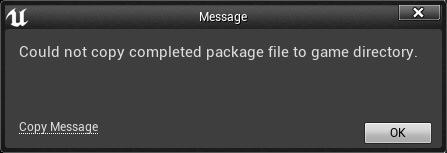
- If the build is successful, the output will display BUILD SUCCESSFUL. If the build is not successful, the output will display the relevant error messages. From these messages you can investigate the problems with your mod and take steps to correct them. If you get this pop-up window after building your mod, you can ignore it, your mod has indeed sucessfully built and this pop-up will be fixed soon.