Importing Marketplace Content
You may discover some awesome assets on the Unreal Engine Marketplace that you want to use as a mod for Path of Titans. However, some assets do not let you directly import into an Unreal Engine project, and instead require you to make a brand new project. This makes it hard to put the assets into your Dev Kit.
This tutorial explains how to import Marketplace Projects into your Dev Kit.
Step 1: Migrating Assets Into Dev Kit
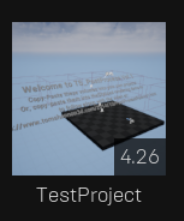
- Open the Epic Games Launcher and create a “Test Project” Make sure the Test Project has the same Version as the PoT dev kit does. (For example, 5.0)
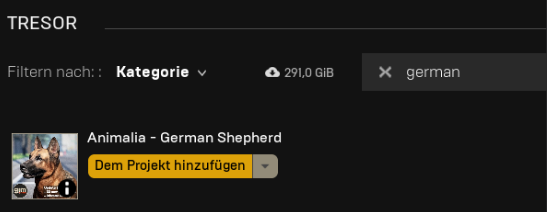
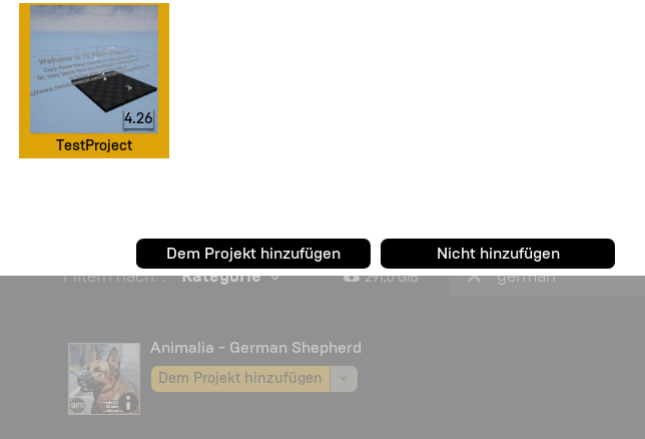
- Select the content you want to add and import it to the “Test Project” via your Epic games Library.
- Open the “Test Project” and you will see your Content. In this example it's Animalia.
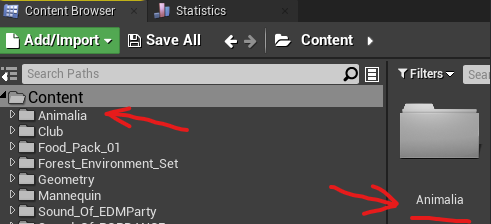
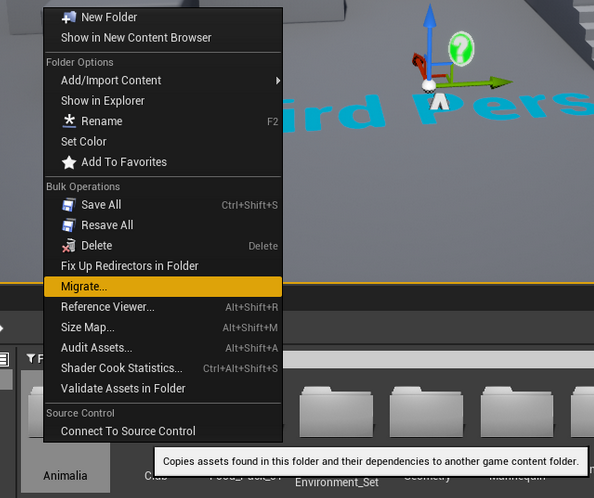
- Right click on the folder and select “Migrate”
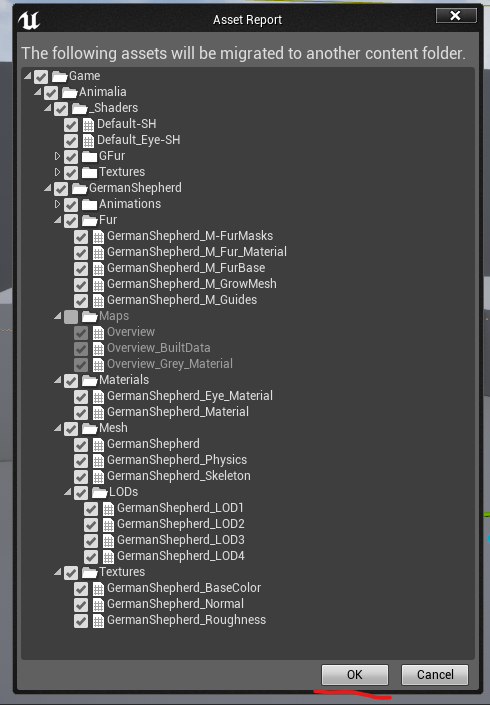
- A window will open asking what assets to migrate. Here you can skip assets you do not want to import (such as level files or blueprints) and select the rest. In this example we skip importing the maps, therefore they are unchecked and will not be migrated.
- Select
OKwhen done.
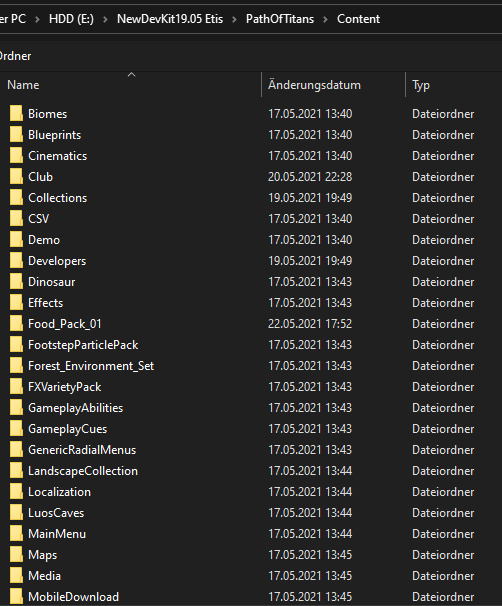
- Now, Unreal will ask where to migrate it to. You must migrate it to the Dev Kit Content folder, for example as shown below. Make sure to select the Path of Titans Content folder. Do NOT select your Mods content folder.
- After migrating the files, you should see a message in the bottom right of your screen.

Step 2: Moving Assets into your Mod Folder
- Open the Path of Titans Dev Kit.
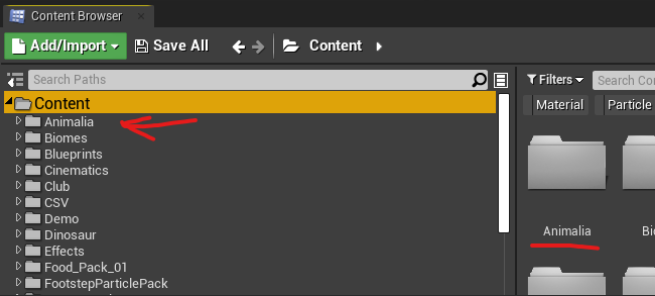
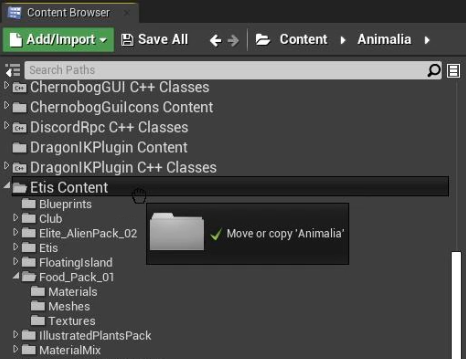
- Go to Content and search in the list for your imported asset folder. In this case “Animalia”.
- Drag and drop the entire folder into your Mod folder, and select
Move Here.
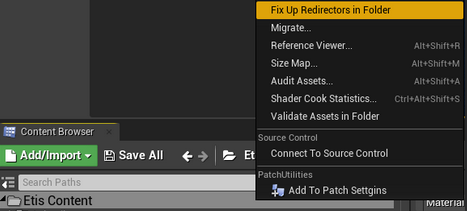
- Finally, right click on your content folder and select
Fix up Redirectors in Folder. After that, right click on it again and hitResave all
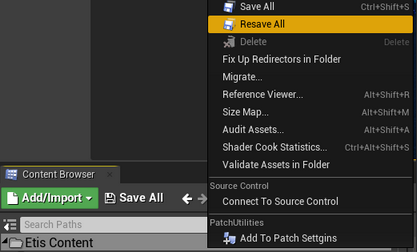
You are now done and can use the assets.
Summary
By following this tutorial you have done the following
- Created a temporary Test Project and imported the Marketplace assets.
- Imported the assets from the Test Project into the Dev Kit
- Moved the assets from the Content folder into your Mod folder.