Optimizing Creature Mods
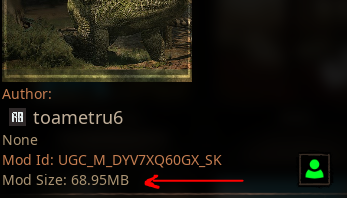
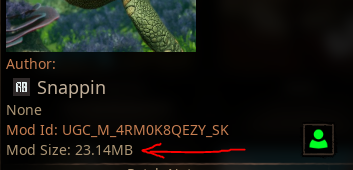
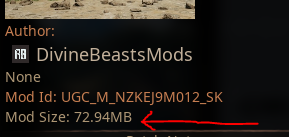
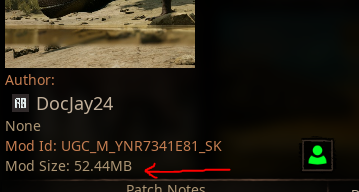
If you make your mod download size as small as possible, more players will be able to download and play your creature, especially on consoles and mobile. Most creature mods will be able to fit under 100 MB in size (100 Megabytes), unless you have a large amount of skins.
| Example 1 | Example 2 | Example 3 | Example 4 |
|---|---|---|---|
 |  |  |  |
Reduce Skin Texture Size
Each skin consist of 2 masks, and if both of those textures are 4096x4096 resolution, it means each skin is over 40 MB large. This quickly adds up over time.
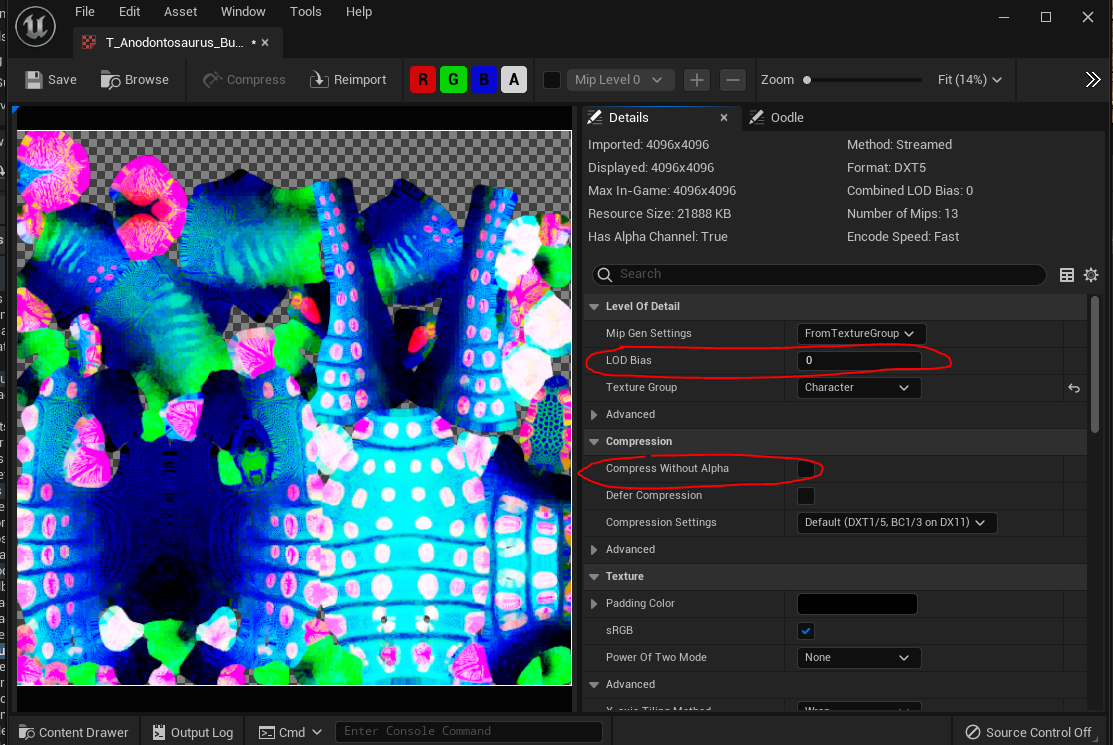
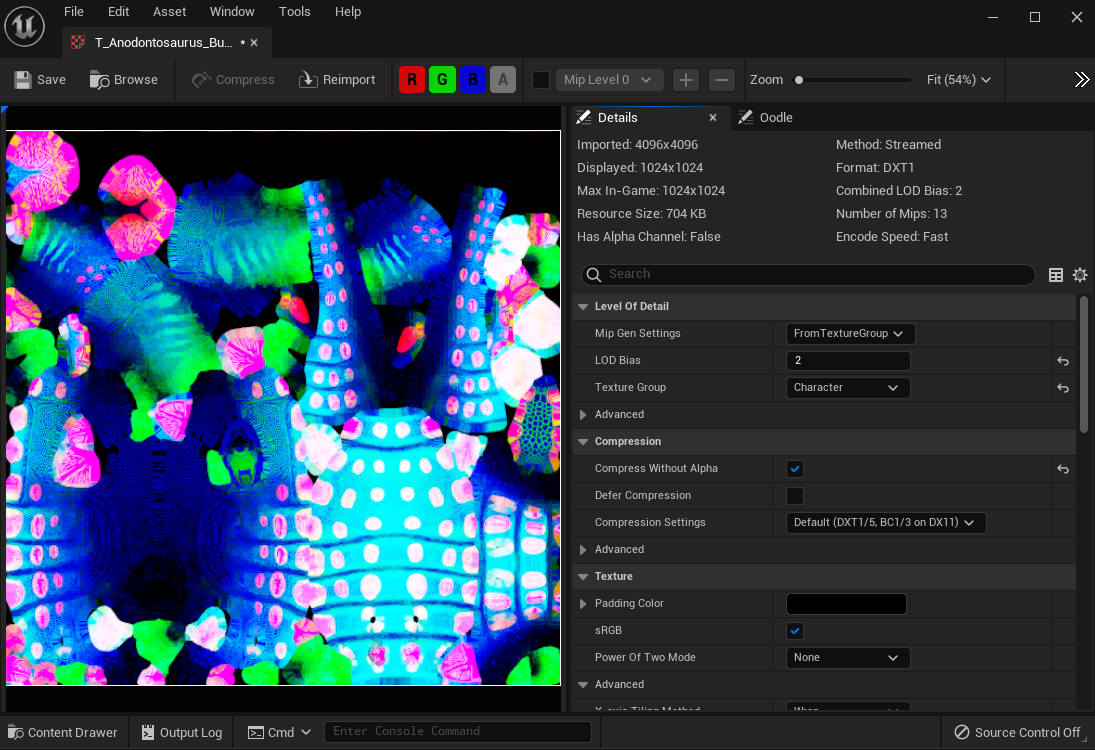
- Open each skin mask texture and ensure the LODBias is set to 2 (or whatever value is required to make the texture
Max In-Gamedisplay as1024. - Ensure
Compress Without Alphais ENABLED. We do not use the alpha channel.
These 2 steps will make your skins much smaller without any visible quality loss.
Before: 20 MB
After: 700 KB
Ensure Animations are at 30 FPS
When exporting and importing your animations, you want to ensure you use a standard framerate of 30 FPS. Higher framerates mean there's more data in each animation and this can quickly add up. For example, a 1920FPS animation that's only 5 seconds long will be a total of 40 MB. Compare this to a 30FPS animation that's 5 seconds long that's only 700 KB. You can optionally go up to 60 FPS if you prefer, but any higher will not be noticeable to players.
If you have created all your animations already, but they are using the wrong framerate, you can easily resample them directly in Unreal.
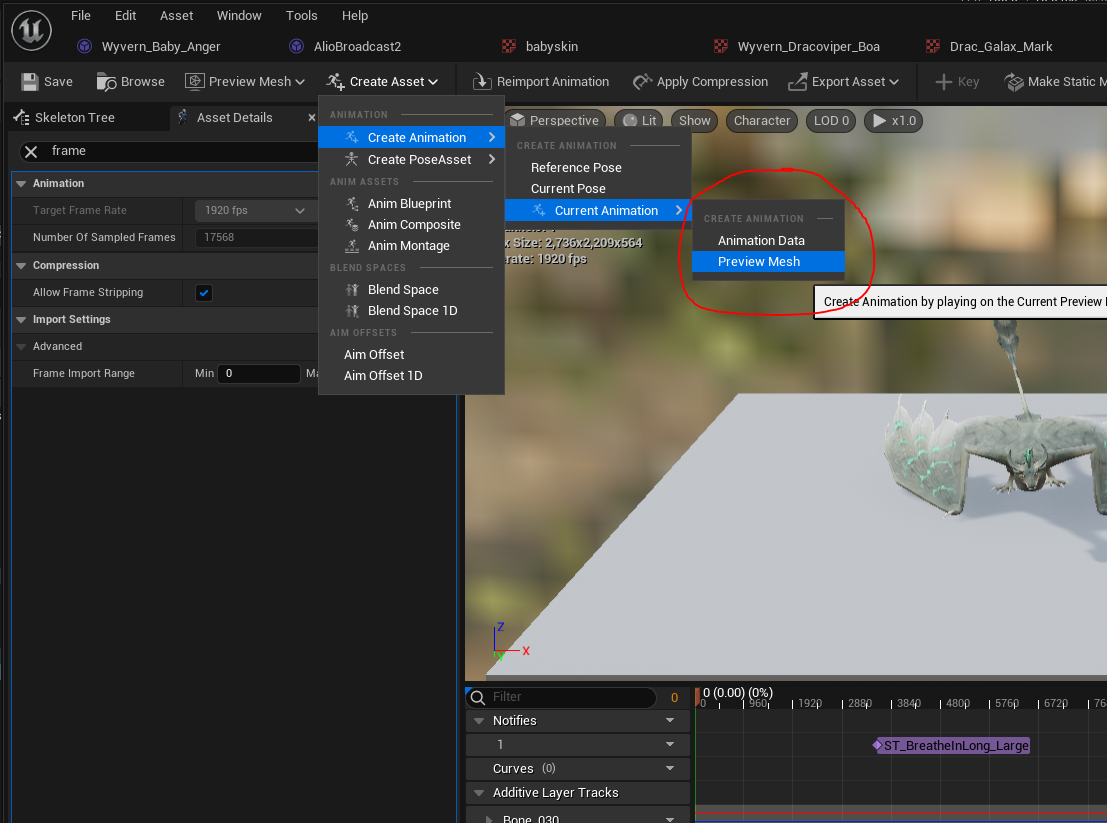
- Open your creature's animation sequence (AS)
- Select Create Asset > Current Animation > Preview Mesh
- Choose where to save the animation and give it a descriptive name.
This will save out a new animation file with 30 FPS. Once all your animations are converted to 30 FPS, you can simply swap out the high FPS animations in your Animation Blueprint (ABP) with the new ones you just created.
Ability Icon Size
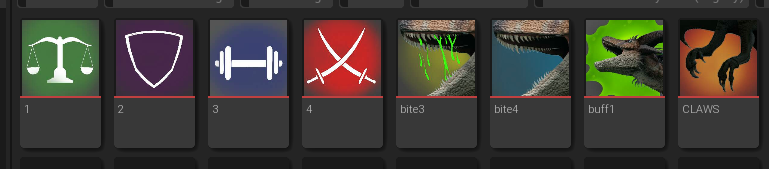
Another small optimization you can make is ensuring all your ability icons are at 128x128 resolution. They don't need to be any larger than this due to being a small icon. If your icon is too large, you should resize it in software such as Clip Studio Paint, GIMP, Photoshop, etc. and reimport it.
Audio Sample Rate
When creating sounds for your mod, you should be mindful of your audio quality. If the quality is too high, it won't be noticeable by players but will still use a lot of memory. For example, the standard Path of Titans creature calls use about 40,000. and most calls are between 1-2 MB. If you have a higher sample rate, this can increase to 4-6 MB for each call, which can add up if you have a lot of sounds.
To solve this, try exporting your audio with a different sample rate from your audio software, or perhaps re-process it down to smaller size through software such as Audacity.
Extra File Cleanup
Everything included in your mod folder will technically be built into your mod, even if you aren't using it. For this reason you should delete anything you aren't actively using in your mod.
Look at your project and make sure you delete:
- unused animations
- unused textures
- intermediate files such as test meshes, or test abilities
- unused audio