Downloading and Opening the DevKit
Welcome to the Path of Titans Dev Kit! With this tool you will be able to easily mod Path of Titans to create new maps, add new creatures, edit dinosaur stats, and much more. This tutorial will demonstrate how to download and install the Dev Kit, and how to open it for the first time.
WARNING
The Dev Kit currently only supports Windows operating systems.
Step 1: Download the Dev Kit
- Download the Dev Kit.
INFO
You will require approximately 125 GB of free space on your machine.
- Once the download is complete, extract the Dev Kit with a file archiver of your choice. We suggest 7-zip, download here: https://www.7-zip.org/
Step 2: Opening the Dev Kit
Everything you need to run the Dev Kit is inside the .zip you downloaded, including the Unreal Engine. You do not need to install Unreal Engine from the Epic Games launcher to use the Dev Kit. You cannot use any other Unreal Engine version with the Dev Kit. If possible, we recommend uninstalling any Unreal Engine versions you may already have installed on your machine to avoid confusion.
Launch the Dev Kit by clicking DevKit.bat. Ensure you have enabled permissions for it to run.

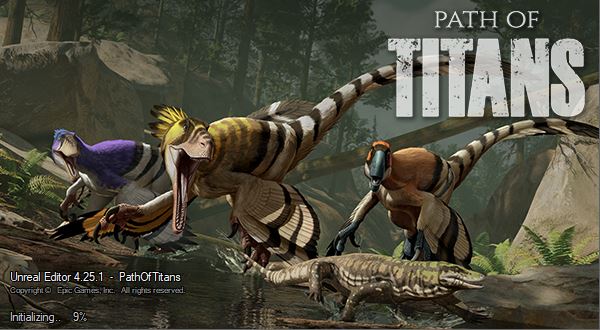
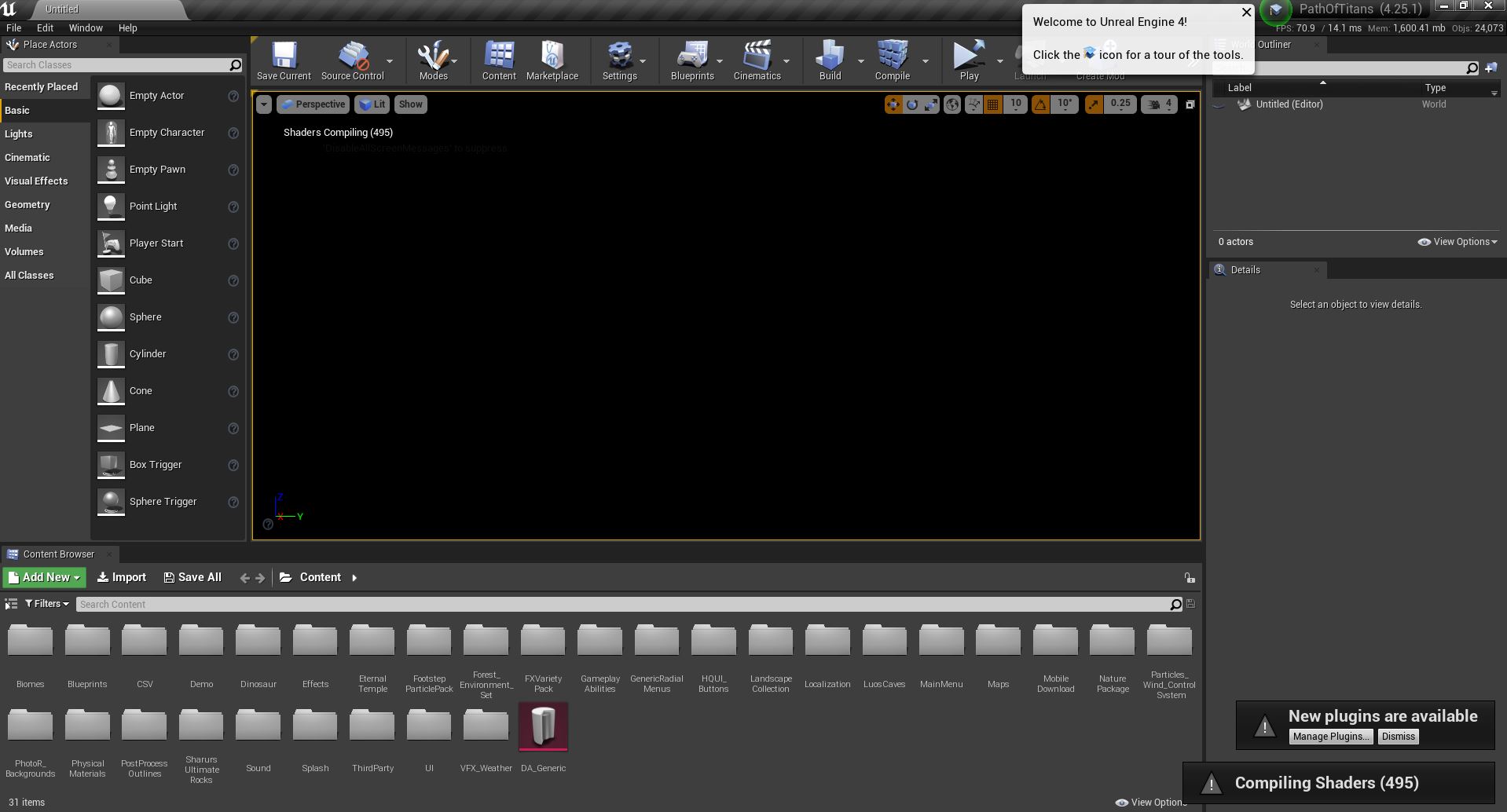
Loading the Dev Kit for the first time will take a very long time. You will first see a splash screen indicating the percentage loaded (shown below). Once the Dev Kit is opened, you will likely have to compile a large amount of shaders. It is recommended that you allow all shaders to compile before attempting to interact with the Dev Kit.
Summary
If you followed this tutorial you have:
- Downloaded and extracted the Dev Kit.
- Opened the dev kit via the .bat file.