Make RA Texture in Substance Painter
You can create an RA texture using nearly any image editing software. Here is a video tutorial on how to do it:
However, if you want to create your RA texture in Substance Painter, you can follow this tutorial below.
Step 1 - Setup Layers in Substance Painter
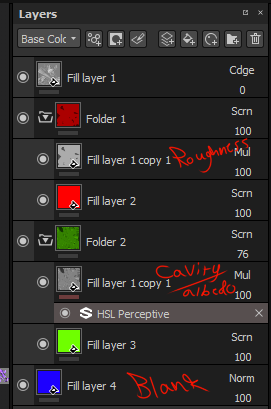
- Set up your Albedo, Roughness, Cavity, and other textures in the format below.
- Notice that certain layers have Multiply, Screen, or Normal applied to their layers (very important).
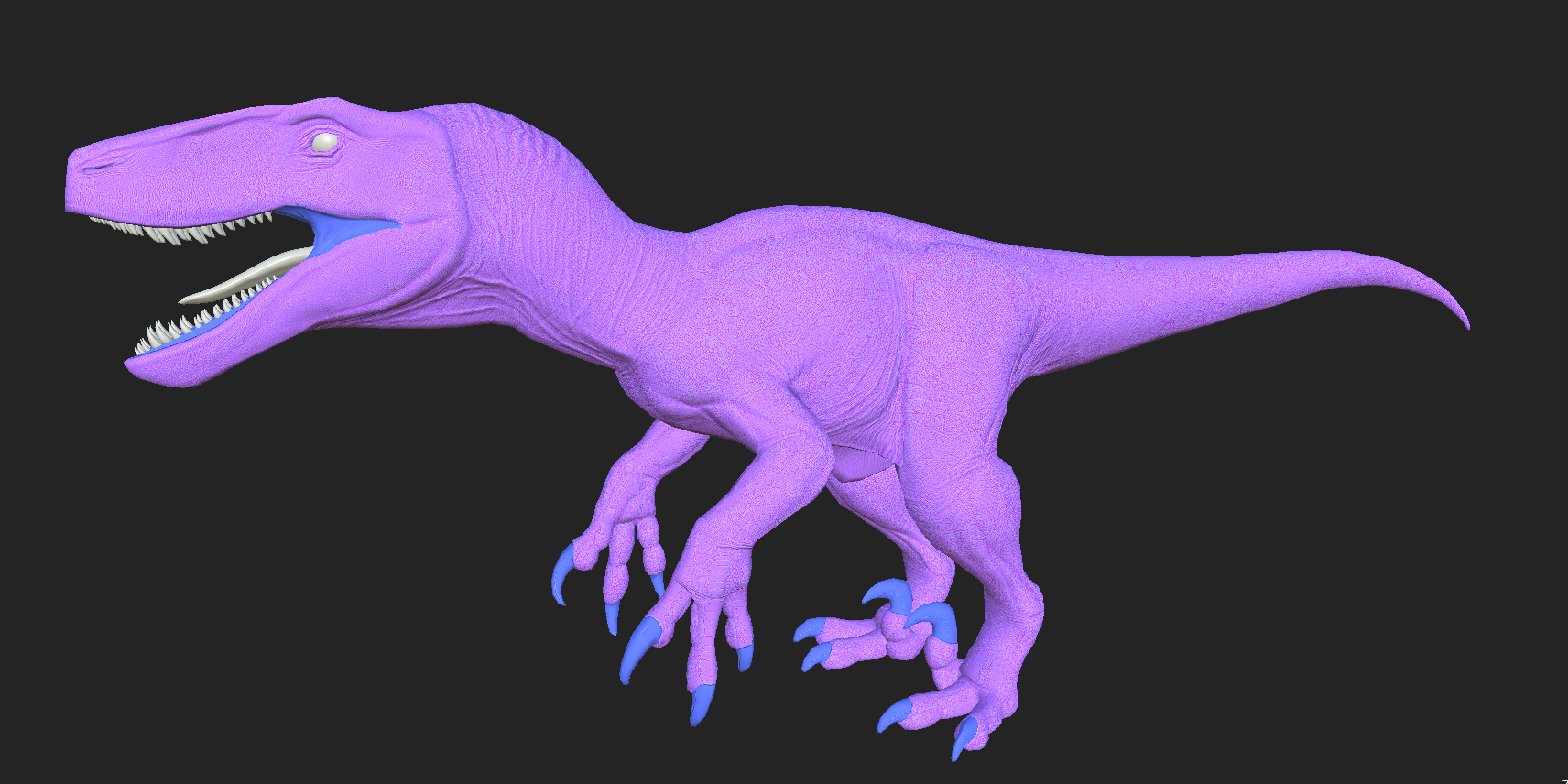
If everything is set up correctly, it will look similar to the image below.
Step 2 - Export Textures
Now you can export your texture from Substance Painter and it will create your final RA map. Make sure you compare it to the base game dinosaur RA textures to ensure it has the same general look and brightness.