Changing Stats of Base Game Creatures
Path of Titans character use the Gameplay Ability System, which allows you to edit stats in a spreadsheet dynamically instead of plugging in hardcoded values. This means that stats are highly flexible and can be changed at runtime via server configurations.
Step 1: Copy .CSV Files into your Mod Folder
- In your mod folder, create the directory
YourModName\CSV\Source - After creating those folders, open Windows File Explorer and navigate to
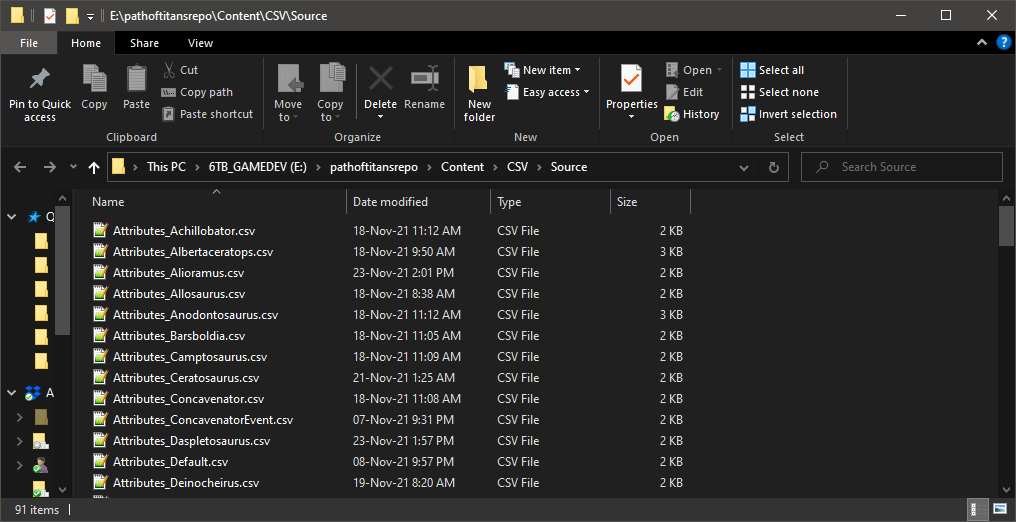
DevKit-Win64\PathOfTitans\Content\CSV\Source - In here, you will find all the stat files for each base game creature in Path of Titans.
- Select the creature you want to edit and copy all 3 of its files into your
YourModName\CSV\Sourcefolder.
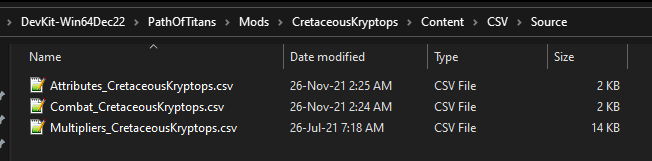
- With these files inside your
Sourcefolder, tab back into the Dev Kit. - Drag + drop the .csv files from your
YourModName\CSV\Sourcefolder into theYourModName\CSVfolder. - This will import the tables. Select "Linear" type when importing.
Step 2: Editing Stats
To edit your stats, you must edit the .CSV file and them re-import it back into your mod folder.
- When you copied the base game dinosaur files over, you grabbed 3 stat files that correspond to your creature:
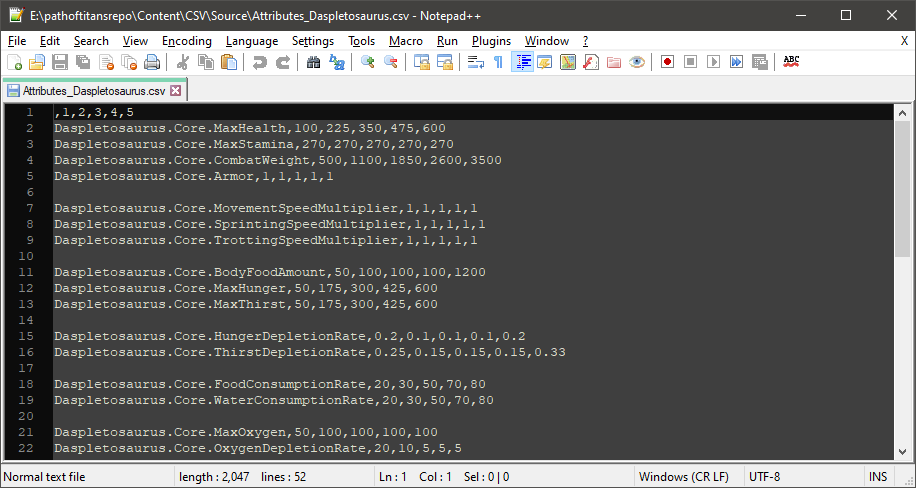
Attributes_CreatureName.csvCombat_CreatureName.csvandMultipliers_CreatureName.csv - Open each file with a text editor such as Notepad or Notepad++
- Here you can edit the stats of the creature.
- After editing your stats, you must save the file and reimport it into the Dev Kit. You can do this by dragging and dropping the 3 .csv files from Windows Explorer into the
YourModName\CSV\folder in the Dev Kit. This will automatically reimport the files.
Summary
By following this tutorial you will have:
- Copied
Attributes_CreatureName.csvCombat_CreatureName.csvandMultipliers_CreatureName.csvinto your mod folder - Input custom stats and reimported them into the dev kit.
Congrats! You can now move on to the next step.