Creating Creature Base Texture
In order for your creature to display correctly in-game, we require a set of base textures to use in the dinosaur skin shader.
Path of Titans requires the following textures:
- Normal Map
(4096x4096) - Roughness
(4096x4096) - Albedo
(4096x4096) - Detail Mask
(1024x1024) - Detail Colours
(1024x1024) - Detail Normal Mask
(1024x1024) - Rain Mask
(1024x1024) - Eye Texture (optional)
(512x512)
These textures will then be packaged together using "Texture Packing" into the Red, Green, and Blue channels of the texture. See the second step for more information.
Step 1: Create All Textures
Normal Map
Resolution: (4096x4096)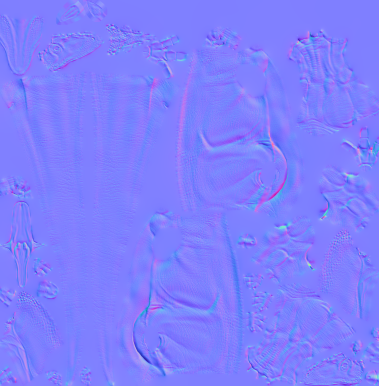
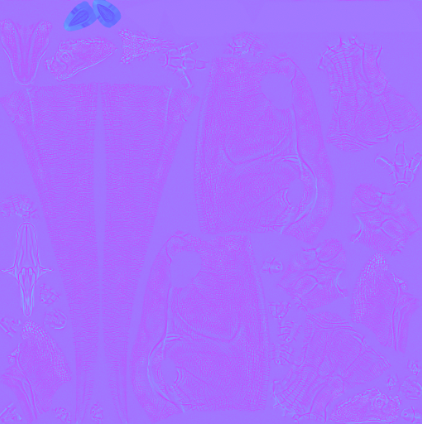
Using your high-poly sculpt you created in Step 1, you need to bake out your Normal Map. You can bake normal maps in many programs such as Blender, Substance Painter, Knald, and Maya LT.
Roughness
Resolution: (4096x4096)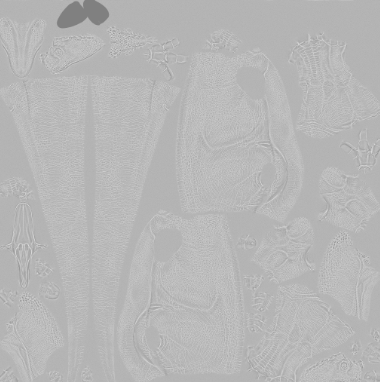
Create a roughness texture for your creature. Tutorial in Substance Painter below:
Albedo
Resolution: (4096x4096)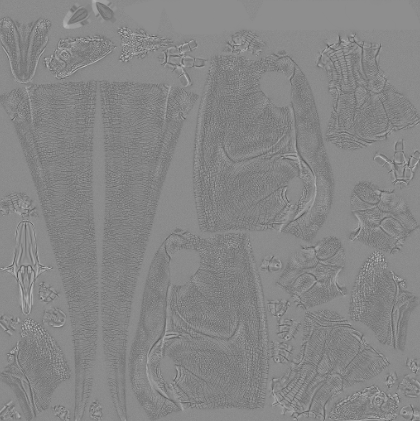
The albedo texture should be flat grey with the cavity map of your creature overlaid. This should be as crisp as possible, and have wrinkle, scale, and feather details. Skin colours will be overlaid on top of this texture in order to give it colour, so do not include any colour in this texture.
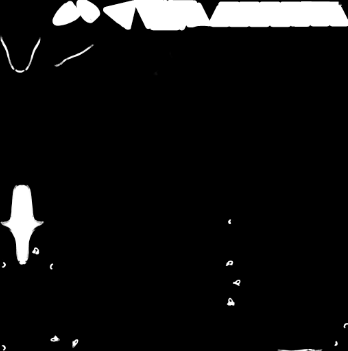
Detail Mask
Resolution: (1024x1024)
If your creature has any detailed areas that do not need to change colours between skins, we suggest you put them into this detail mask. In your texturing software, mask out all areas in white. Some examples include:
- Teeth and Beaks
- Mouth Flesh
- Claws and Nails
- Spikes and Scutes
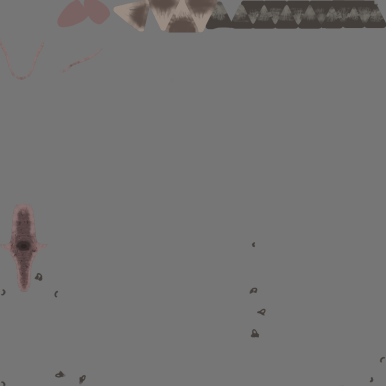
Detail Colours
Resolution: (1024x1024)
For all the detail areas you masked out in the above texture, you need to create the base colour that will be used. This texture should contain items like tongues, teeth, claws, and nails. Try and make nails, spikes, and claws a grey colour so you can tint them easily later when setting up the creatures skin.
Detail Normal Mask
Resolution: (1024x1024)
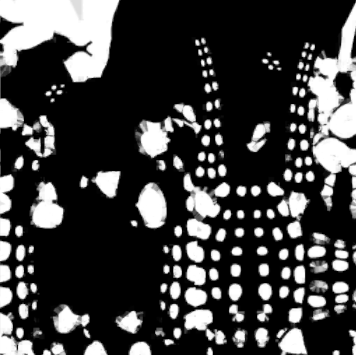
Mask out any areas on your creature where you do not want the extra detail normal map to be. For example, this should probably include the inside of the mouth, any horns or spikes, nails and claws, any larger scutes, crests, and feathers.
This example is for the Anodontosaurus, which you can see has masked out all of its body scutes so they are smooth with no scale details.
Rain Mask
Resolution: (1024x1024)
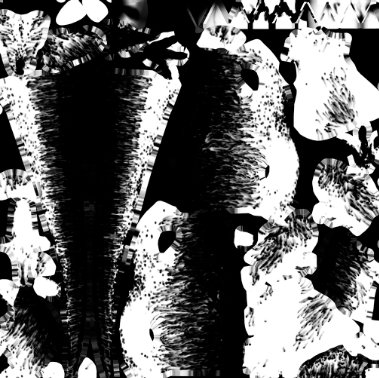
This is the rain pattern that will display when your dinosaur gets wet via rain. The inverse is used when your dinosaur gets wet via swimming.
You can create this mask manually by painting the areas where rain would naturally fall on your creature if it was standing up. However, if you use Substance Painter, you can use a Particle Brush to automatically simulate rain on your character.
▶ The brush we use can be downloaded here ◀
Eye Texture (Optional)
Resolution: (512x512)
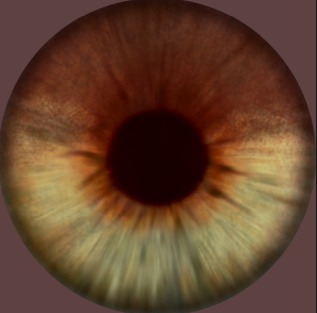
If you want to use a unique eye texture for your creature, you can create your own. Make sure it is perfectly centered in the middle of the image. You can see all the base-game eyes in the Dev Kit at: Dinosaurs/Materials/Eyes/Textures
Step 2: Packing Textures
Now that you have created all the base textures, we must pack some textures together into the Red, Green, and Blue channels. We do this so that the game uses 1 texture instead of 3, and improves performance.
You can pack these images together using nearly any software. Here is a video tutorial on how to do it:
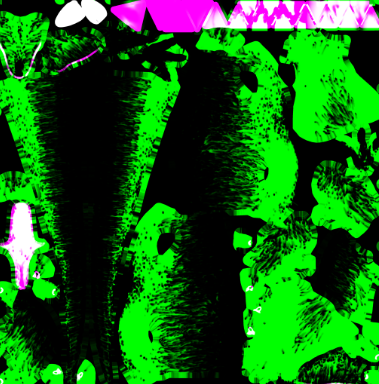
Packed Detail Mask
Resolution: (1024x1024)
Setup this texture as follows:
- Red Channel - Detail Mask
- Green Channel - Rain Mask
- Blue Channel - Detail Normal Mask
RA Mask
Resolution: (4096x4096)
You can create the RA texture within Substance Painter, tutorial here.
Setup this texture as follows:
Summary
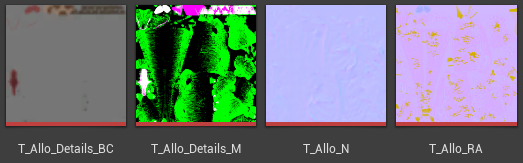
If you follow all the above steps, you should have these final textures that will be used in-game:
- Normal Map
- RA Mask
- Packed Detail Mask
- Detail Colours
Congrats! You can now move on to the next step.